


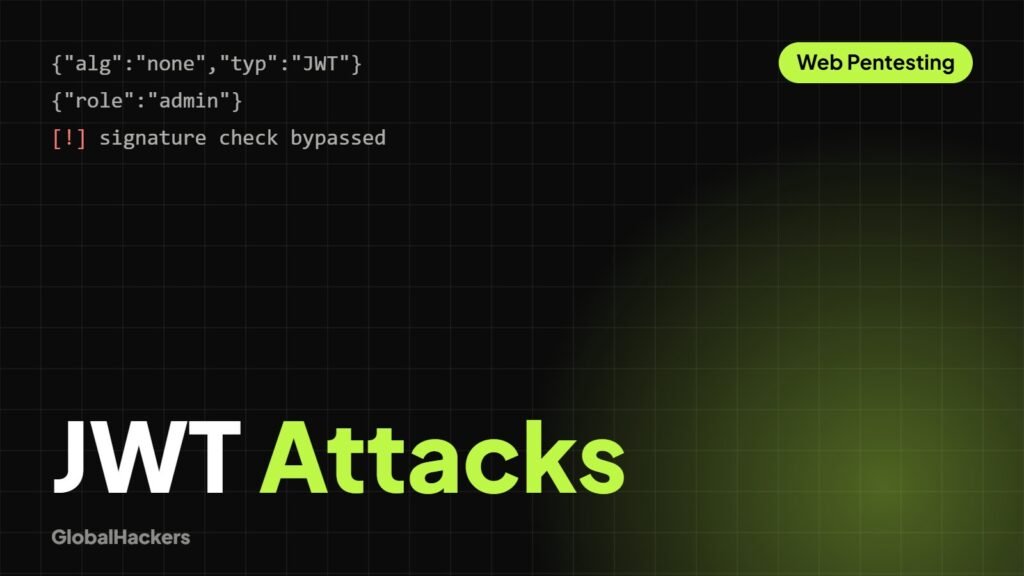
JSON Web Tokens (JWTs) have become a standard for authentication and authorization in modern web applications and APIs. While powerful, misconfigurations or insecure implementations can lead to severe security vulnerabilities, including account takeovers and privilege escalation.
Why JWT Security Still Fails
Despite being cryptographically signed (or encrypted), JWTs are often vulnerable due to:
- Misunderstanding of trust: Developers might trust the client-side token without server-side validation.
- Weak key management: Reusing keys, using weak secrets, or exposing keys.
- Algorithm confusion: Allowing algorithms that attackers can exploit.
- Logic flaws: Incorrectly interpreting or validating token claims.
Step 1: Understand How JWT Is Used in the Application
Identify where JWTs are generated, sent, and validated. Are they used for session management, API authorization, or both? How are they transmitted (HTTP headers, cookies, URL parameters)?
- Authentication: After login, is a JWT returned?
- Authorization: Is the JWT sent with every authenticated request to access resources?
- Session Management: How long are tokens valid? Is there a refresh token mechanism?
Step 2: Identify and Capture JWTs
Use a web proxy like Burp Suite to intercept all traffic. Look for strings that look like JWTs (three base64-encoded parts separated by dots). JWTs are typically found in:
Authorization: Bearer [JWT]header.- Cookies.
- POST body parameters.
- Sometimes in URL query parameters (less common and discouraged).
Step 3: Decode and Analyze Token Claims
A JWT consists of three parts: Header, Payload, and Signature. The first two parts are base64-encoded JSON and can be decoded easily without the secret. Use a tool like jwt.io or Burp Suite’s JWT Editor extension to decode.
Header (alg, typ, kid)
alg(Algorithm): Important for algorithm confusion attacks (e.g., HS256, RS256, None).typ(Type): Usually “JWT”.kid(Key ID): Can point to a specific key used for signing, potentially leading to key injection.
Payload (claims)
Look for sensitive or interesting claims:
sub(Subject): User ID or username.iss(Issuer): Who issued the token.exp(Expiration Time): When the token expires.iat(Issued At): When the token was issued.rol/scope/admin: Authorization-related claims (e.g.,"admin": false).- Custom Claims: Any other application-specific data.
Step 4: Test for Broken Authorization via Claim Manipulation
This is often the lowest-hanging fruit. Modify sensitive claims in the decoded payload, then re-sign (if possible) or send the modified unsigned token:
- Change
"user_id": 123to"user_id": 1(admin?). - Change
"admin": falseto"admin": true. - Change
"role": "user"to"role": "admin". - Change
"username": "guest"to"username": "administrator".
Step 5: Algorithm Confusion & Verification Issues
If the server doesn’t strictly enforce the signing algorithm, you can exploit it:
alg: Noneattack: Change the algorithm to “None” and remove the signature entirely. If the server doesn’t verify the signature, it will accept your manipulated token.- RS256 to HS256: If a token is signed with an asymmetric algorithm (RS256, public/private key pair), try changing
algto HS256 (symmetric) and signing it with the *public key* (which is often publicly available). The server might try to verify the HS256 token using the public key as the secret.
Step 6: Key Management & Secret Reuse Testing
Weak or exposed secrets can render JWTs useless for security:
- Weak Secrets: Brute-force common secrets or use dictionary attacks if HS256 is used with a weak secret.
- Default Secrets: Check if common framework/library default secrets are used.
- Key ID (
kid) Vulnerabilities: If akidclaim is present, it might be vulnerable to directory traversal or SQL injection to retrieve keys, or inject arbitrary keys.
Step 7: Token Lifetime & Replay Abuse
Incorrect handling of token expiration and revocation:
- Replay Attacks: Can you replay an expired token?
- Long Expiration: Are tokens set to expire in years, not minutes/hours? This increases the window of opportunity for compromise.
- Revocation: Does logging out actually revoke the token, or can you still use it until it naturally expires?
Step 8: JWTs in Microservices & APIs
In complex architectures, JWTs can pass between services. Ensure each service re-validates the token:
- Internal Token Trust: Is a token issued by one service blindly trusted by another without re-verification?
- Scope/Permissions: Does each service check if the token has the necessary scope for the requested action?
Step 9: Tools That Support JWT Testing
- Burp Suite JWT Editor Extension: Decodes, signs, and unsigned JWTs directly within Burp. Essential for manual testing.
- jwt.io: Online tool for quick decoding and basic manipulation (use with caution, don’t paste sensitive tokens).
jwt_tool(Python script): Comprehensive command-line tool for analyzing, tampering, and testing JWTs.
Step 10: Prove Impact, Not Just Token Tampering
Simply modifying a token isn’t enough; you need to demonstrate a security impact. For example:
- “Changing
admin: falsetoadmin: truegranted me administrative privileges, allowing me to delete users.” - “Modifying
user_idallowed me to view another user’s private financial data.”
Clearly document the original token, the modified token, and the unauthorized action achieved.
Certified API Pentesting
Test REST and GraphQL APIs against the OWASP API Top 10, including auth, BOLA and SSRF.